
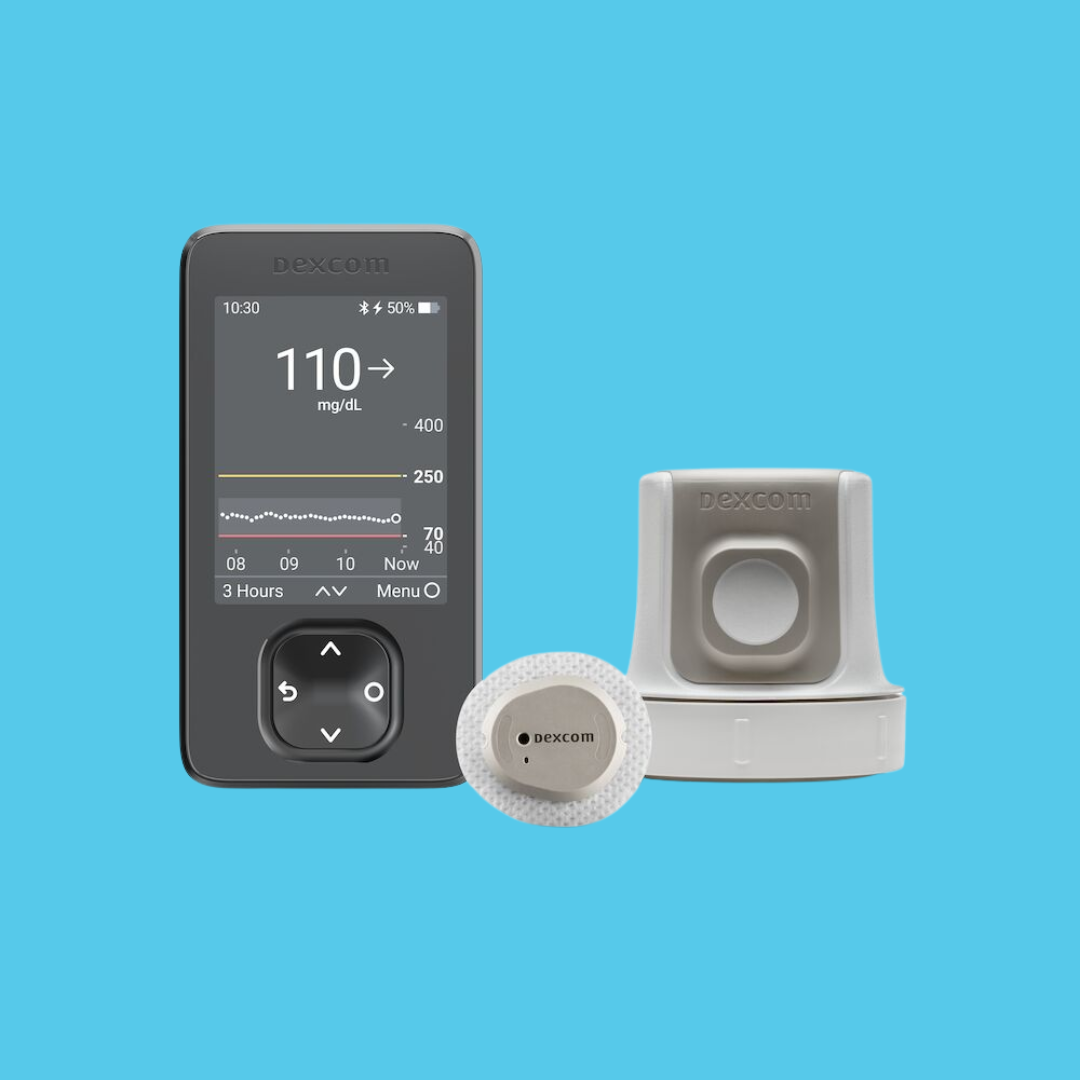

Watch Helpful Dexcom G7 CGM How to Get Started Videos
Dexcom G7 App - How to Get Started
Dexcom G7 Receiver - How to Get Started
Dexcom G7 App - How to Replace Your Sensor
Dexcom G7 Receiver - How to Replace Your Sensor
How to Insert the Dexcom G7 or Dexcom 15 Day Sensor
View or Download Helpful Dexcom G7 CGM How to Get Started Documents
Why Dexcom CGM Makes Daily Diabetes Management Easier
Managing diabetes involves constant decisions. Dexcom CGM provides continuous glucose visibility throughout the day and night, helping reduce uncertainty and making it easier to understand what’s happening between check-ins.
- See patterns, not just isolated readings — Understand how your glucose rises and falls over time instead of relying on occasional snapshots.
- Recognize how everyday choices affect you — See how meals, activity, stress, sleep, and medication may influence your glucose levels.
- Take action sooner — Identify rising or falling trends earlier so you can respond before levels move too high or too low.
- Feel more prepared during appointments — Share glucose data with your healthcare provider to support informed therapy adjustments and ongoing management.
Using Dexcom CGM consistently allows you to build a clearer picture of your glucose patterns over time. The more regularly you wear and replace your sensors as directed, the more complete your data will be — helping you stay informed and confident in your daily management decisions.
G7 Compatible Phones & Smartwatches
Dexcom G7 CGM works with the latest Apple iPhones and many popular Android smartphones and wearable devices. To display glucose readings on your phone or smartwatch, your device must meet Dexcom’s compatibility requirements. Check your specific device model and operating system version to ensure full functionality with the Dexcom G7 system on the Dexcom website.
What to Do if Your Dexcom CGM Sensor Stops Working
While Dexcom CGM systems are designed to provide continuous glucose readings, a sensor may occasionally stop working early, display a “Sensor Failed” alert, or stop transmitting data to your app or receiver. If this happens, you are not alone — and there are clear next steps to follow.
In most cases, you will need to remove and replace the sensor and complete the setup process again. If your sensor stops working before the expected wear time, you may qualify for a manufacturer replacement. Reviewing troubleshooting steps and contacting Dexcom Support can help ensure you receive a replacement quickly and minimize gaps in glucose data.
For faulty or defective sensors, the manufacturer will send you a replacement at no cost. Byram does not replace failed sensors directly, as these are covered by the manufacturer’s warranty.
For Dexcom (G6 or G7)
- Phone: 1-844-607-8398 (available 7 days a week)
- Online: Visit Dexcom Online Support
Read our blog article: What to Do When Your CGM Sensor Fails
.png?la=en&h=700&w=1700&hash=DED5506C28016D65351313990181BCCB)